How to Look Up or Replace Your Washington MAST Permit
How to Look Up or Replace Your Washington MAST Permit
Washington Mandatory Alcohol Server Training (MAST) Permit Checker & Replacement Guide
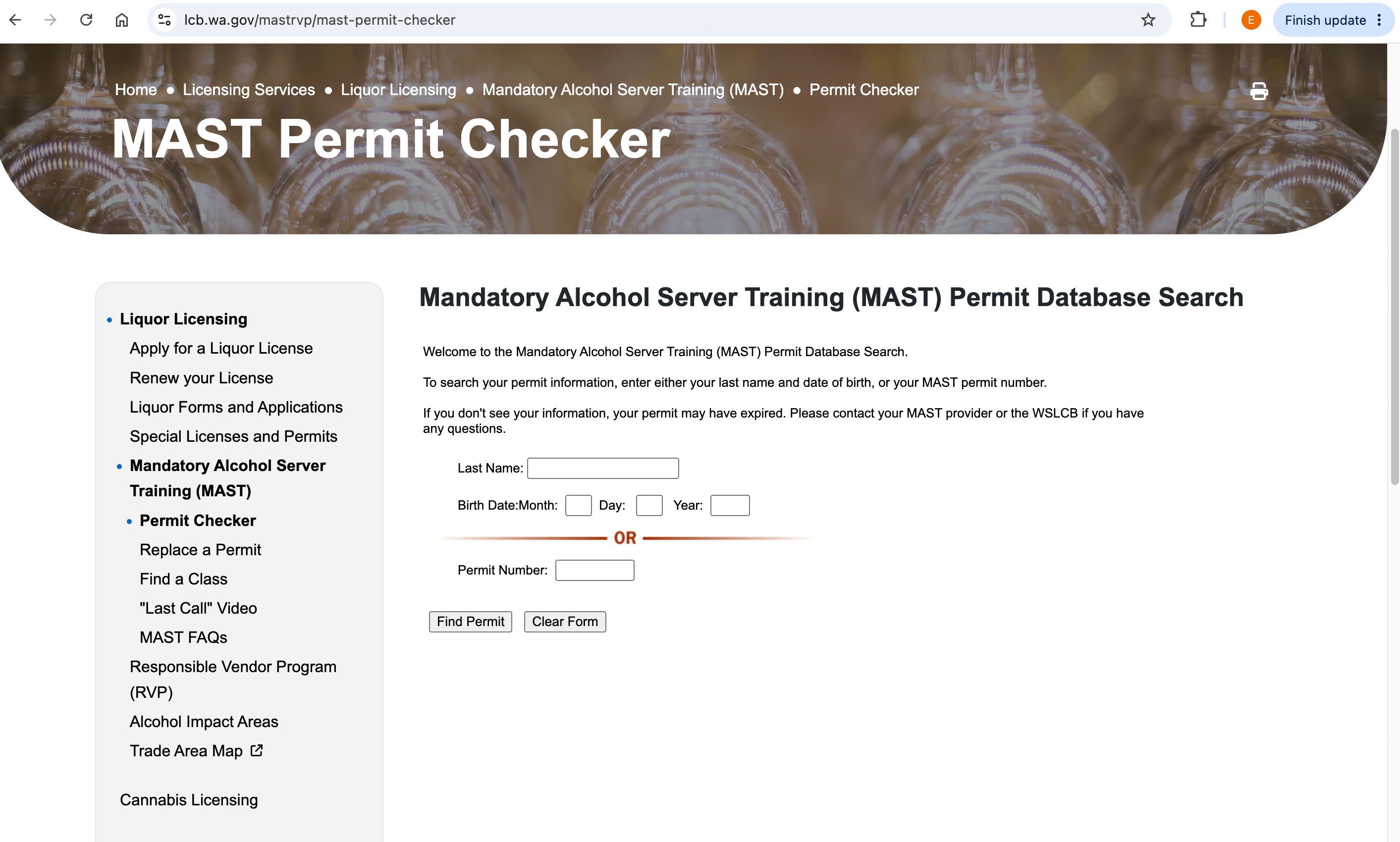
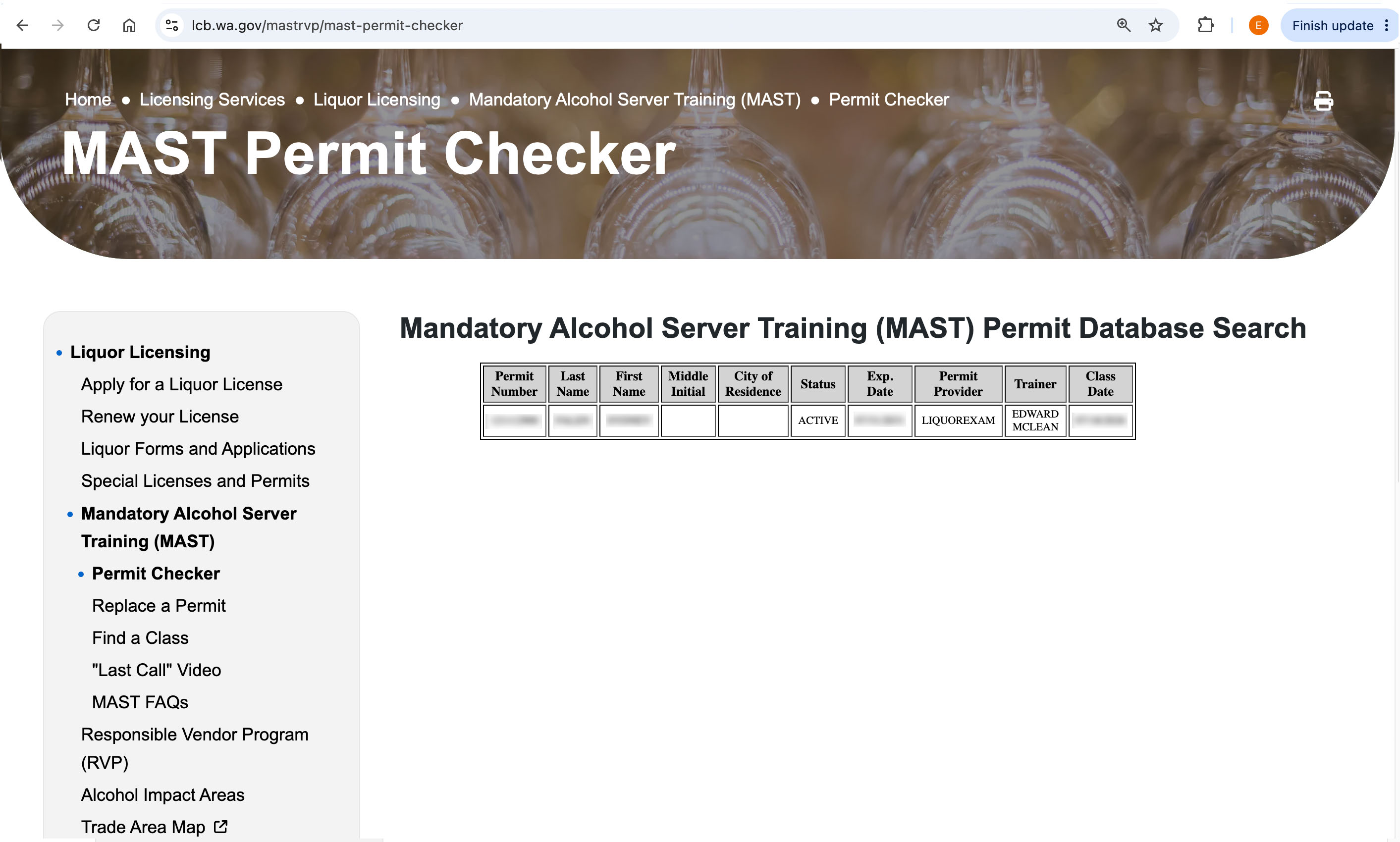
If you completed Washington MAST training and need to verify your permit, you can search the official Washington State Liquor and Cannabis Board MAST Permit Database using your name and date of birth or your MAST permit number.
If your permit is still active but has been lost, damaged, or needs a name or gender designation update, you can request a replacement either directly through the Washington State Liquor and Cannabis Board or, when available, through the Special Order Options section of your LIQUORexam.com profile.
Option 1 — Replace Your Permit Through the Washington State Liquor and Cannabis Board
The Washington State Liquor and Cannabis Board provides an official Application to Replace MAST Permit.
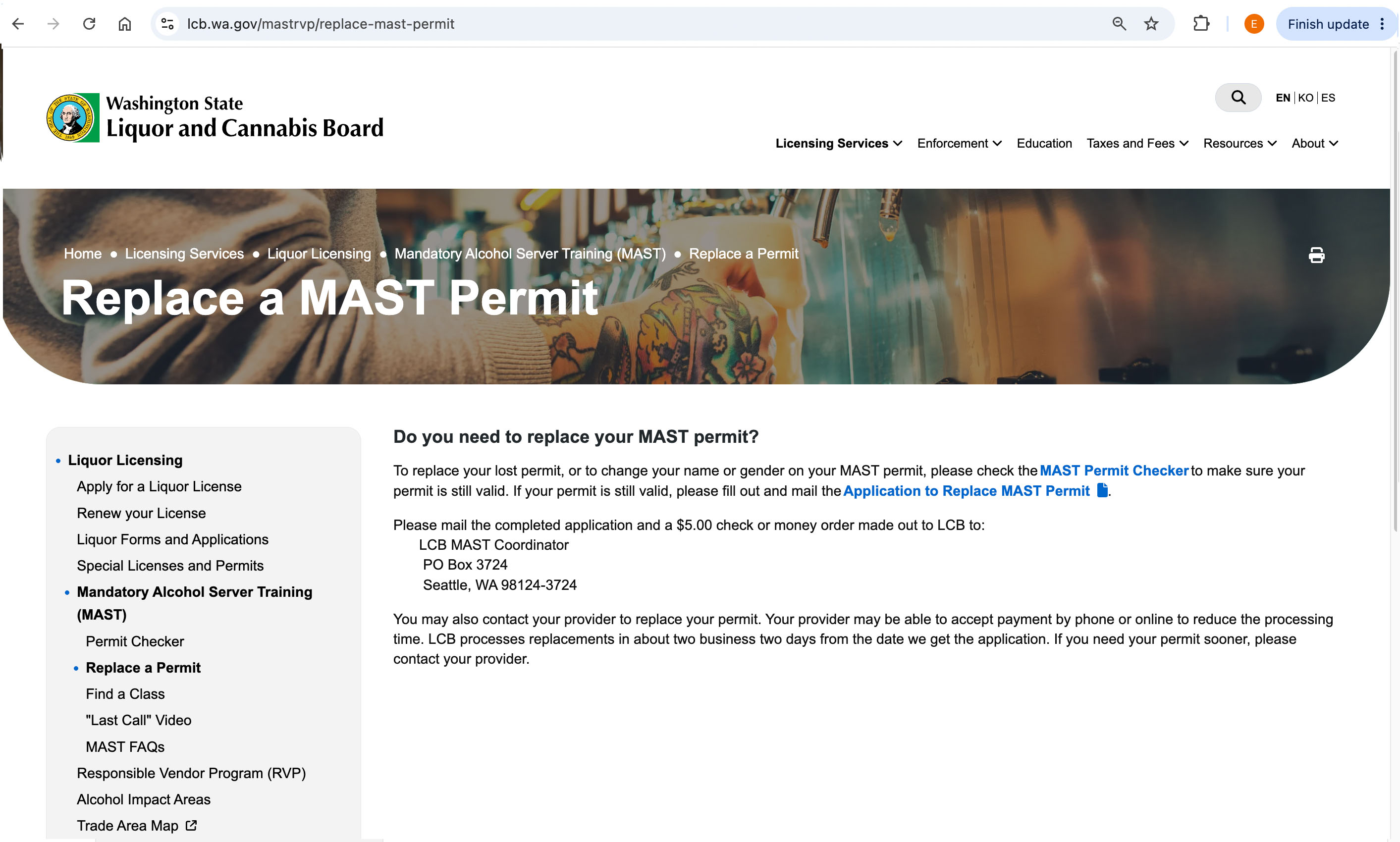
Before submitting the application, use the MAST Permit Checker to make sure your permit is still valid.
Washington State Liquor and Cannabis Board replacement permit instructions.
Complete the Replacement Application
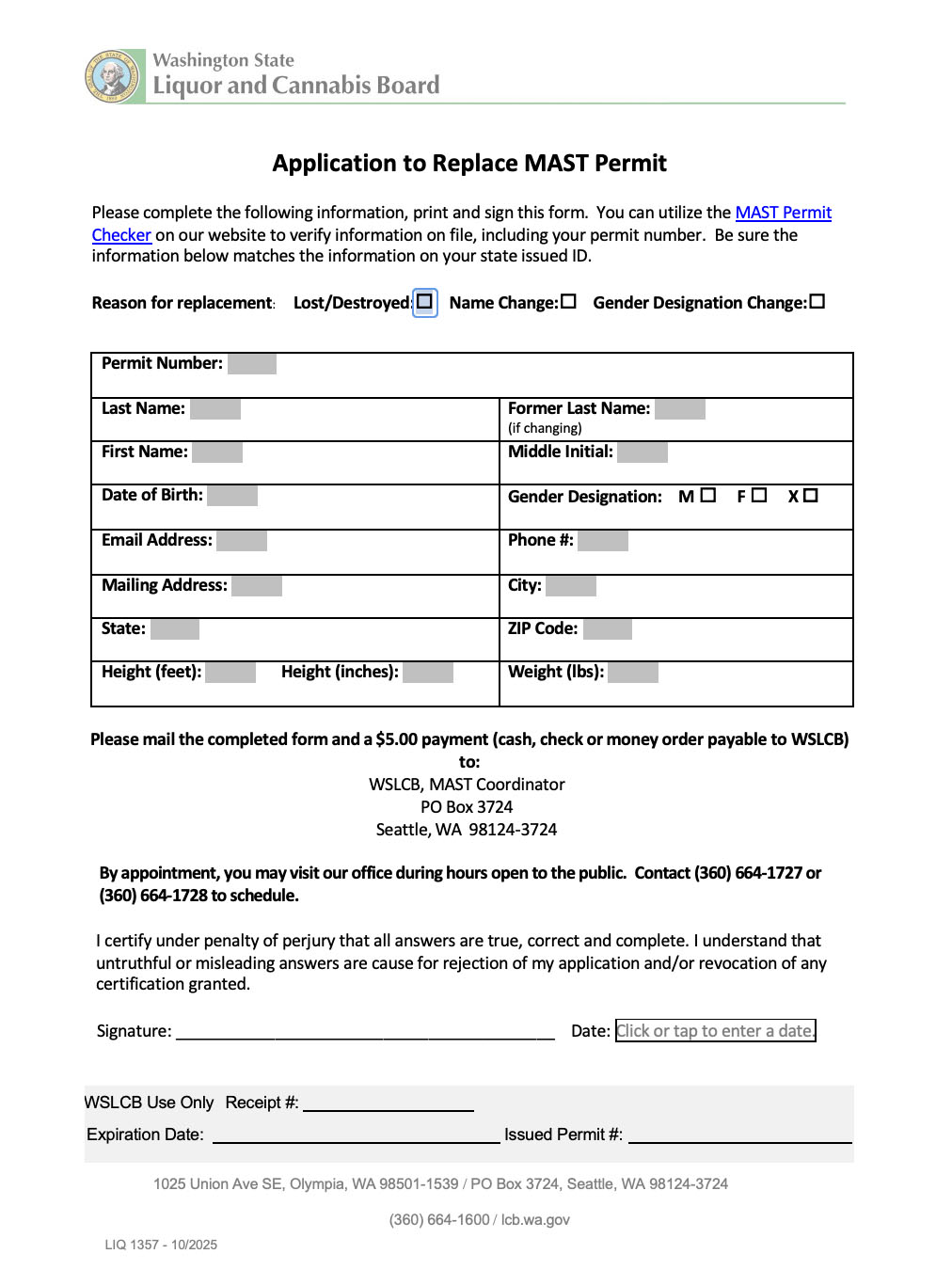
The replacement form asks for information including:
Reason for replacement
Permit number
First and last name
Former last name, if applicable
Date of birth
Gender designation
Email address
Phone number
Mailing address
Height
Weight
The information you provide should match your state-issued identification.
Washington State Application to Replace MAST Permit.
The Washington State replacement application currently instructs applicants to mail the completed form and applicable payment to the WSLCB MAST Coordinator. Always review the current form for the latest fee and mailing instructions.
Option 2 — Order a Replacement Through LIQUORexam.com
If your Washington MAST permit was issued through LIQUORexam.com, replacement options may also be available through your student profile.
1
Log in to your LIQUORexam.com account.
2
Select Special Order Options from the left-hand menu.
3
Locate the appropriate Washington MAST replacement option.
4
Click Order and complete the purchase.
Depending on the reason for the replacement, available options may include:
Replacement due to an incorrect mailing address
Replacement with updated personal information
Other Washington MAST replacement services shown in your profile
Important: If you are requesting a replacement because your personal information has changed, please make sure the information in your LIQUORexam.com profile is correct before placing the order.
After placing a replacement order that requires mailing, you may be asked to email contact@LIQUORexam.com to confirm your current mailing address.
I cannot find my permit in the database. Double-check your last name and date of birth. If your permit has expired, it may no longer appear as active in the Permit Checker.
I know my permit number. You can search using the permit number instead of your name and date of birth.
Can I use the Permit Checker result as my permit? No. The database result verifies your permit information but is not a replacement for the actual MAST permit.
My name or gender designation needs to be changed. Use the Washington replacement application or, if your permit was issued through LIQUORexam.com, review the replacement options available in your profile.
I lost my permit. First verify that your permit is still active using the MAST Permit Checker, then request a replacement.
I need help with a permit issued through LIQUORexam.com. Contact us and include your full name and the email address associated with your LIQUORexam.com account.
⚠️ WARNING: Do Not Reset This Course Unless Absolutely Necessary ⚠️
You already have this course in your profile.
Resetting will permanently remove your current progress and may result in additional charges.
IF YOUR 90-DAY ACCESS IS STILL VALID AND YOUR CERTIFICATE HASN’T EXPIRED, DO NOT RESET THIS COURSE.
➡️ To continue your training, go to your Profile and click “Resume Training.”
If you reset this course and repurchase it while it’s still active, you will not be eligible for a refund.
To Proceed, confirm the following:
This field is required.
🔒 Enter your account password to confirm:
(This helps protect your account from accidental resets.)
Password is incorrect.
The course has been successfully reset and added to your cart. You are now being redirected to complete your enrollment.
One moment please...
There was a problem resetting your course. Please try again. If the issue continues, you can reset the course manaually by going to: Profile > My Courses > Take This Training Again
Once reset. you can then add the course to your cart and enroll.